Routing and pages
Routing is a core feature of modern JAMStack frameworks. What does it take to create a new page on a new URL?
Both Gatsby and NextJS support filename-based routing. Create a new file and it becomes a page with its own URL.
Where they differ is how you create dynamic pages.
Gatsby filename routing
You can create Gatsby pages in many ways. Most commonly through an existing plugin that talks to a data source.
By default, Gatsby comes with filename-based pages. Add a file to src/pages and export a default React component. That's your page.
Exercise
Keep going in your original Gatsby repository, or switch to the exercise-2 folder in the exercises repo.
Create a new page in src/pages. Wrap your component in <Layout>, try what happens if you use ThemeUI's <Container> component instead. Don't forget to set page title with the <SEO> component.
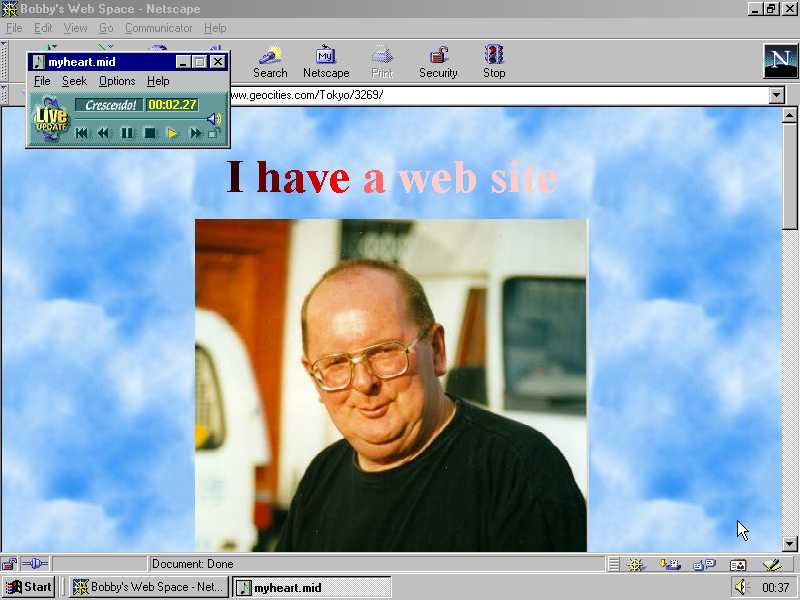
Experiment with different components from ThemeUI. This is your time to express yourself like it's 1994.
Link to your new page from the homepage with Gatsby's <Link> component.
Solution
Find mine in the exercise-2-solution branch.
NextJS filename routing
NextJS uses filename routing only. You create new pages by adding files to the pages/ directory. Create a file, export a default React component, and that's your page.
Exercise
Copy your page from the Gatsby exercise to your NextJS repository. You won't need <Layout>, but you should add a <Head> to give your page a title.
Link to your new page from the homepage with NextJS's <Link> component. Import from next/link.
Note that NextJS uses React 17 by default so you don't need to import React.
Solution
Find my final result in the exercise-2-solution branch.
Gatsby dynamic pages
Dynamic pages are Gatsby's biggest advantage and its strongest drawback. The flexibility means you can create pages out of any data source ever. It's amazing.
But you have to create those pages. Or find a plugin. You almost have too much control.
And remember, all pages have to be created in advance. During build time.
Exercise
Grab your solution from before and create pages based on hardcoded data.
Export an async createPages function from gatsby-node.js.
exports.createPages = async ({ actions }) => {}
Use the createPage action to create your pages. Each needs a path, a page component, and you can pass custom data as context.
context populates the pageContext prop of your page component.
Something like this:
// gatsby-node.jsconst path = require("path")exports.createPages = async ({ actions }) => {for (let number of [1, 2, 3]) {actions.createPage({path: `dynamic-page-${number}`,// you'll need to create a templatecomponent: path.resolve("src/templates/dynamic-page.js"),context: {pageNumber: number,},})}}
Access your page at http://localhost:8000/dynamic-page-1. Try linking to the others.
Solution
Find my final result in the exercise-2-solution branch.
NextJS dynamic pages
NextJS dynamic pages come in two flavors:
- statically generated at build time
- server-side rendered on each request
And you define both the same way 👉 with dynamic file-based routing.
Whether they become a statically generated, or server-side rendered page depends on what you put in the file. We'll explore that further in exercises with dynamic data.
Exercise
Create a pages/dynamic-page/[number].js file in your NextJS project from before. You can adapt your dynamic page template from Gatsby.
The part in square brackets becomes the dynamic portion of your URL. You can access the value from the NextJS router.
const DynamicPage = () => {const router = useRouter()const { number } = router.query
Notice that because pages are created on-demand, you aren't limited to the [1,2,3] static data like the Gatsby example.
Solution
Find my final result in the exercise-2-solution branch.