Module 2: Setting up your app
In Module 2 you will setup your project to use the modern stack. Create a new webapp, set up a design system with theming support, configure a basic GraphQL server on AWS Lambda, and add authentication to your app.
You can find code for this module on GitHub. Commits follow the flow of these videos.
Outline your project
Create your repository
Create Gatsby webapp
You will need to install Gatsby for this step.
npm install -g gatsby-cli
Update config
See how Gatsby uses GraphQL to read local config files.
Configure styling with Rebass
Gatsby component shadowing
We use component shadowing to override the default theme config for our site. You can use this technique to change any files coming from a plugin.
Rebass responsiveness
Basic landing page
Authentication
Authentication works via Auth0 using the useAuth hook.
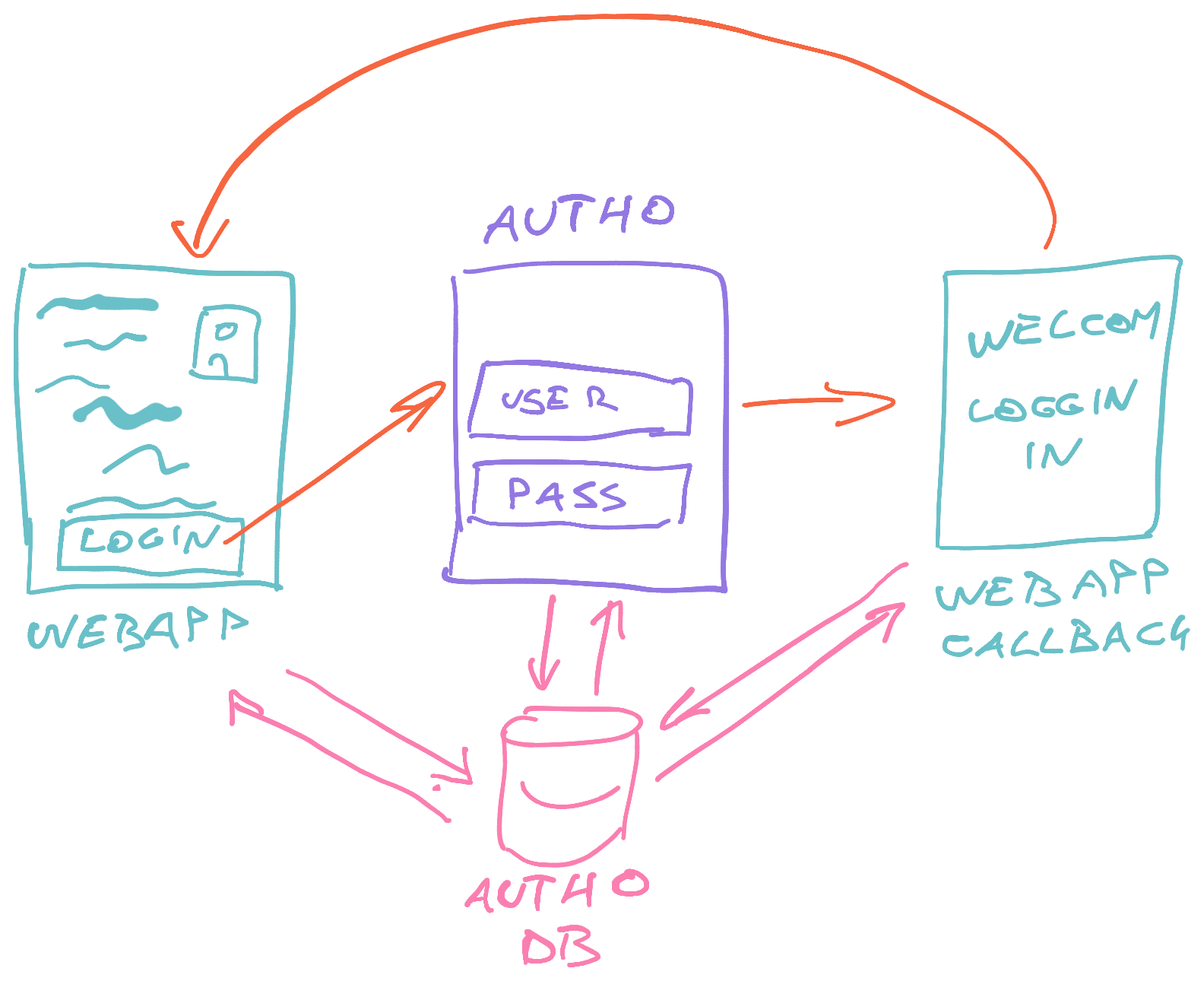
Add useAuth hook
The backend
The backend works with AWS Lambda using Serverless Framework for configuration.
I recommend you follow their documentation to setup your local environment and AWS credentials. AWS will ask for your creit card, if they don't have it yet.
Don't worry, it's still free until you have quite a bit of traffic :)
serverless.yml
This is where you configure your whole infrastructure.
GraphQL Lambda
Deploy script
This goes in your package.json and makes life easier :)
You might need to install TypeScript globally, if you don't have it yet.
npm install -g typescript ts-node
And serverless too
npm install -g serverless
What is The Server anyway?
Connect your webapp to GraphQL
use static query
Queries specifically for static data fetched dynamically at build.
Connect to GraphQL at run-time
Use live data
What we created
The basics are there, the patterns were experimented with. Next module we build something useful, save actual data, and have heaps of fun.